
I Have Built Two Free Photo Editing Quizzes, And They Are Now Live

A guest at one of my workshops told me over dinner that exporting was the one thing she had never had to think about. She had built an export preset in 2019, used it ever since, and it had never let her down. A month later, she printed a panorama of the Serchio Valley at 40cm wide and could not understand why the detail had gone to mush. The preset was set to resize to 1200 pixels on the long edge because that was what her camera club projector needed in 2019.
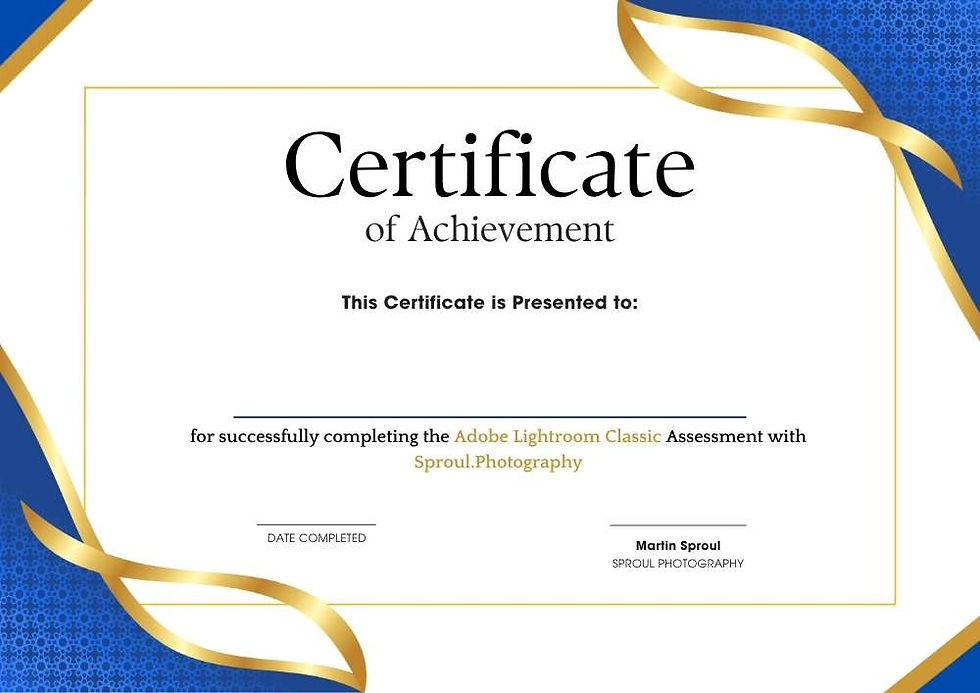
I have now published two free photo-editing quizzes on this site. One for Lightroom Classic and one for Photoshop. Each draws 30 questions at random from a much larger bank, covers eight topic areas, takes around 15 minutes, and issues a certificate if you score 75% or higher. Both are free, and neither asks you to create an account.
Writing them taught me something I did not expect. The interesting pattern is not which questions people get wrong. It is which ones they were most certain about before they answered.
What Is Inside The Two Photo Editing Quizzes
Each photo editing quiz pulls 30 questions at random from a fixed bank, 220 questions for Lightroom Classic and 250 for Photoshop, spread evenly across eight sections so no single attempt lands on one subject.
These are the eight Lightroom Classic sections.
Importing images into Lightroom Classic
Masking
Global adjustments
Keyboard shortcuts
Exporting images
Managing images in the Library module
Troubleshooting
Presets and profiles
And these are the eight in Photoshop.
Layers, groups and Smart Objects
Selections and masking
Camera Raw and global adjustments
Retouching and repair tools
Colour, blend modes and adjustment layers
Keyboard shortcuts and workflow speed
Saving, exporting and colour management
Generative AI, Neural Filters and troubleshooting
Every question has one correct answer and three wrong ones, and all four are shuffled on each attempt. The four options are written to a similar length as well, which sounds like a small thing but matters. A noticeably longer option is usually the correct one in a badly written quiz, and I did not want anyone passing on sentence length alone.
There is no timer and no penalty for a wrong answer, so there is nothing to gain from rushing.
Where The Marks Actually Go
The section people are most confident about is exporting, and it is consistently the one that costs them the most. Resize to fit, output sharpening, colour space, and the difference between quality and file size are decisions made once, saved into a preset, and then never revisited even when the output changes completely.
My Barga guest is not unusual. Once a preset works, it stops being a set of decisions and becomes a button. That is exactly how a 1200-pixel projector export ends up feeding into a print.
The same thing happens elsewhere. Plenty of photographers who use presets daily in Lightroom Classic cannot cleanly say what separates a preset from a profile, or why a profile sits underneath everything while a preset does not. In Photoshop, the equivalent blind spot is blend modes, where most people know that Multiply darkens and Screen lightens, but cannot tell you which colour is neutral in Overlay, and therefore why a 50% grey layer is the standard starting point for dodging and burning.
None of this is exotic knowledge. It is the ordinary middle ground that sits just past the tools you happen to use every week, and it is invisible until something asks you to find it. That is really all this photo editing quiz is for.
How To Take Them
Enter your first name, last name and email address on the quiz page, and the questions start immediately. Nothing else is required, and there is no account to set up.
When you finish, you get your score, a breakdown showing how you did in each of the eight sections, and the correct answer to everything you got wrong. The breakdown is the part worth reading. Most people find their weakest section is not the one they were bracing for.
Score 23 or higher out of 30, and you can download a PDF certificate with your name on it. Below that, take it again. Because both the questions and the answer order are drawn fresh every time, a second attempt is a genuine second attempt rather than a memory test.
Neither quiz is an introduction to the software. If you have never opened the Develop module or never made a layer mask, this will be a frustrating quarter of an hour. If you have used either programme for a few years and have never had a reason to find out what you do not know, that is precisely who I wrote them for.
Take the Lightroom Classic quiz or the Photoshop quiz, or work through both and see which half of your workflow is stronger.
Give Them A Go
I would rather these questions were useful than flattering, so a few of them are harder than they look. Have an honest attempt at one and see where you land. If you tick the box when you enter your details, I will send you the occasional Lightroom Classic and Photoshop piece as I publish them, and nothing else.
Once you have taken one, let me know in the comments which section caught you out. I am keeping an eye on which questions cause the most trouble, and the ones that trip up nearly everybody usually tell me what to write about next.


Comments